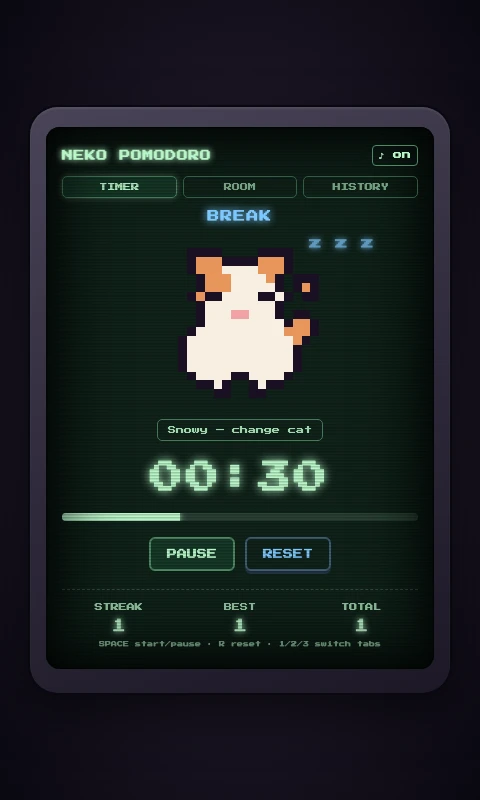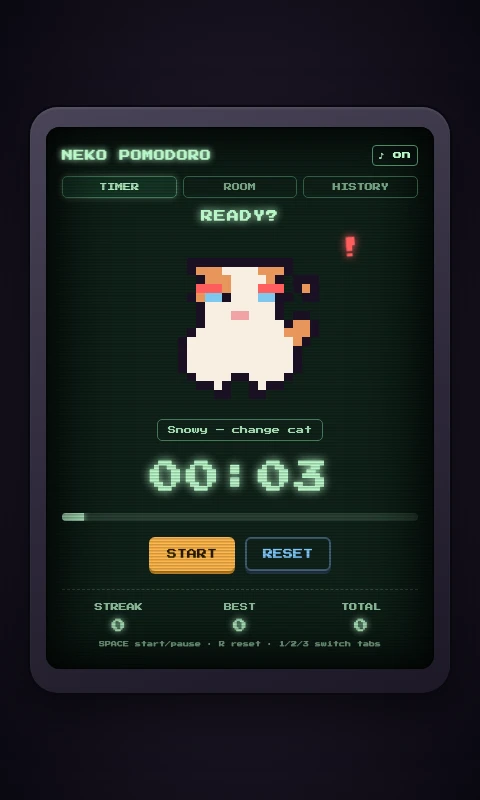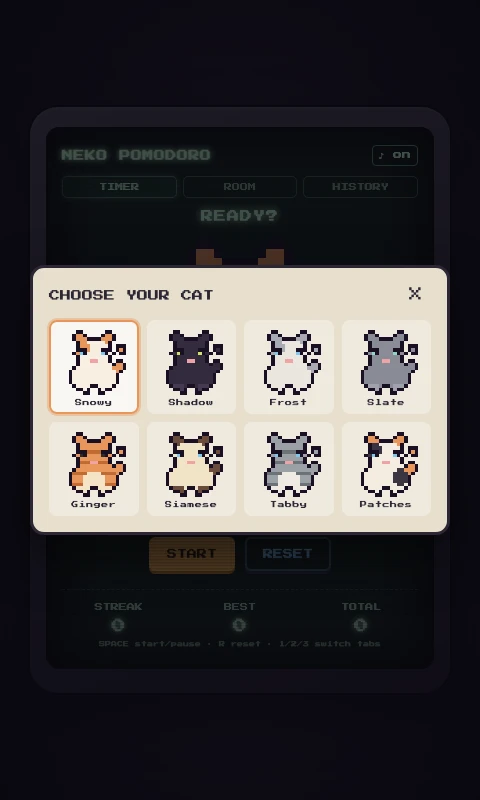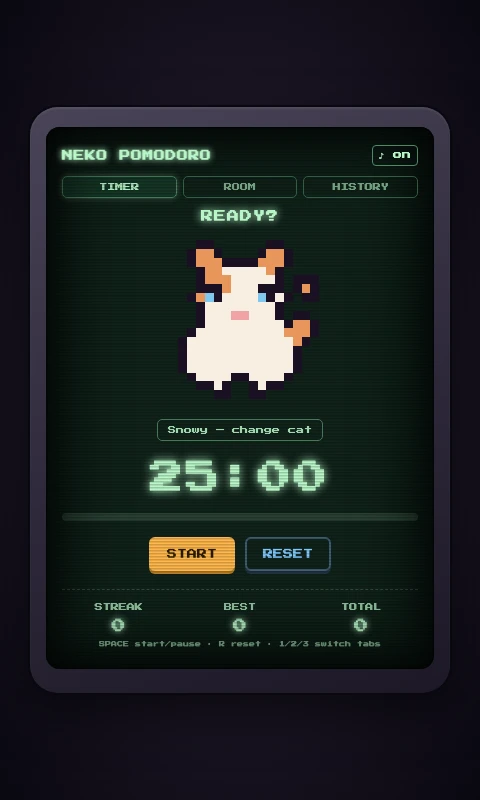
A Game Boy–styled Pomodoro timer with a pixel-art cat companion that reacts to your focus sessions, built to pull my attention back from doomscrolling. It's one of the few side projects I've actually kept open every day since.
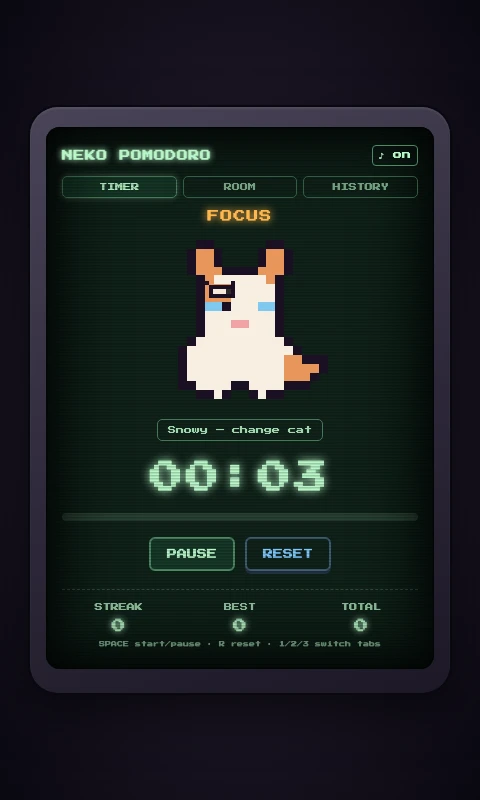
This started as an attempt to fix my own attention span. Doomscrolling had quietly worn down how long I could focus, and none of the Pomodoro apps I tried stuck: they were either too plain to hold my attention past day one, or they charged a subscription for basics. I wanted to be self-sufficient about it and build something myself instead.
What made it stick was cats. I have two of my own, and they're the only thing I could reliably count on to get me to sit down and work. So the app is built around a cat that reacts to how a session is going, and the feature list below grew every time an earlier version stopped holding my attention.
Crouches and stalks a wandering pixel mouse.
Curls up asleep with a floating "z z z".
Flattens its ears with a little chiptune sting.
It's a genuine daily-use tool at this point, well past a launch-and-forget side project. I run it every time I sit down to work.
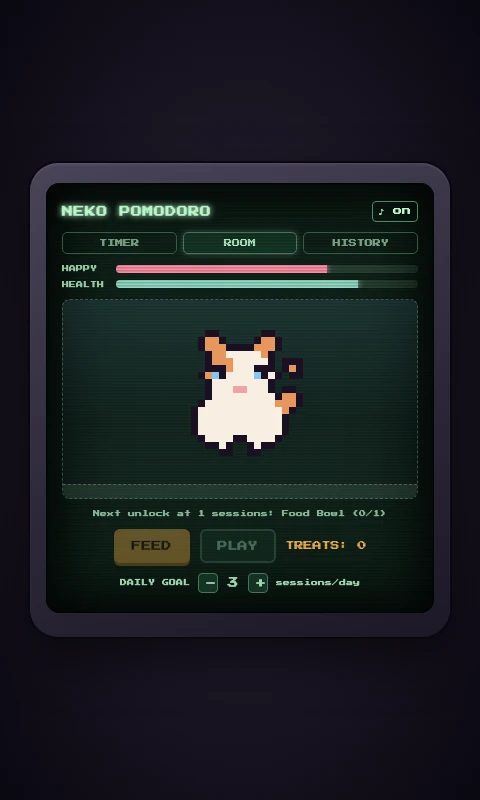
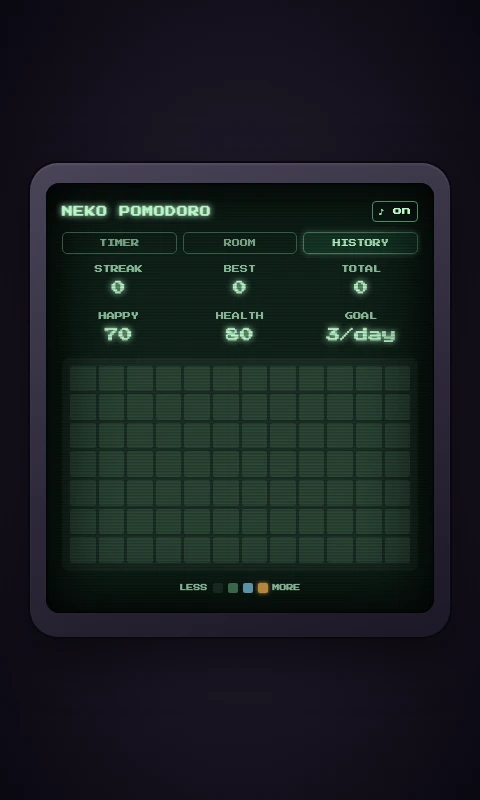
A peek at three of the screens: the Room where sessions turn into treats and furniture, the History heatmap that keeps the streak honest, and the cat picker.
Feed and Play, funded by treats from completed sessions.
A calendar heatmap of daily sessions against my goal.
8 colorways, recolored from one shared sprite.
<canvas>, and every chiptune sound effect is synthesized live with the Web Audio APIlocalStorage: timer, streaks, and the cat's care stats.app, no Chromium bundled, so it's a few megabytes instead of a hundred-plusThe Feed/Play loop is a small trick, but it works on me: I finish a session because I want to see the happiness bar move, rather than because a timer nagged me to. And watching the History heatmap slowly fill in over the weeks is a surprisingly effective nudge to not let a day go blank.
I built this for exactly one user: me. I don't really care if anyone else ever uses it, but I'm proud that it works for the person I made it for. If other people find it useful too, that's a nice bonus rather than the goal. Designing for an audience of one turned out to be a good exercise in designing for anyone: the same instincts about what makes a tool worth opening every day apply whether the user is me or someone else.
More importantly, it's actually done what I built it for: I doomscroll less and finish more of what I sit down to do. It's also the rare side project that didn't end after launch. It's still running on my desktop right now.
FREE · MACOS · 2.7 MB
This is the exact build running on my desktop right now. No account, no subscription, no tracking. Just a cat that judges how well you focus.
Apple Silicon build. It's unsigned, so right-click the app and choose "Open" on first launch, or allow it under System Settings → Privacy & Security.